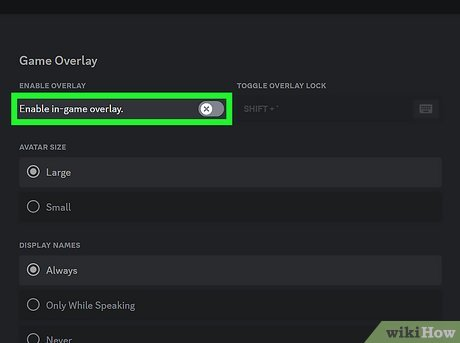
The Discord overlay shows who is talking on your server, but it can cause compatibility or performance issues.
-
Open User Settings
Open Discord and click the
User Settingsicon (gear). -
Open Game Overlay
Scroll down to
Activity Settingsand clickGame Overlay. -
Turn off the overlay
Set
Enable in-game overlaytoOff.